Deep learning-powered document translation
DL.Translator combines deep-learning models' semantic understanding with document processing to translate PDF, Word and PowerPoint files while preserving layout in supported formats. Review a partial preview and quote before translating the full document.
- 100+
- Supported languages
- 99.8%
- Layout Restoration Rate
- 4M+
- Translated Documents
Preview availability and account allowance are shown on the task page.
Deep learning understands context. Document processing preserves layout.
DL.Translator combines deep-learning language models with document parsing, OCR and layout processing. Models help interpret context and terminology; document processing extracts content and places translations back in the corresponding locations. Use glossaries and online editing to review the result, and check a partial preview and task quote before translating the full document.
Understand context and terminology
Choose a translation model
Read text from scanned documents
Preserve layout in supported formats
Keep terminology consistent with glossaries
Review and edit translations online
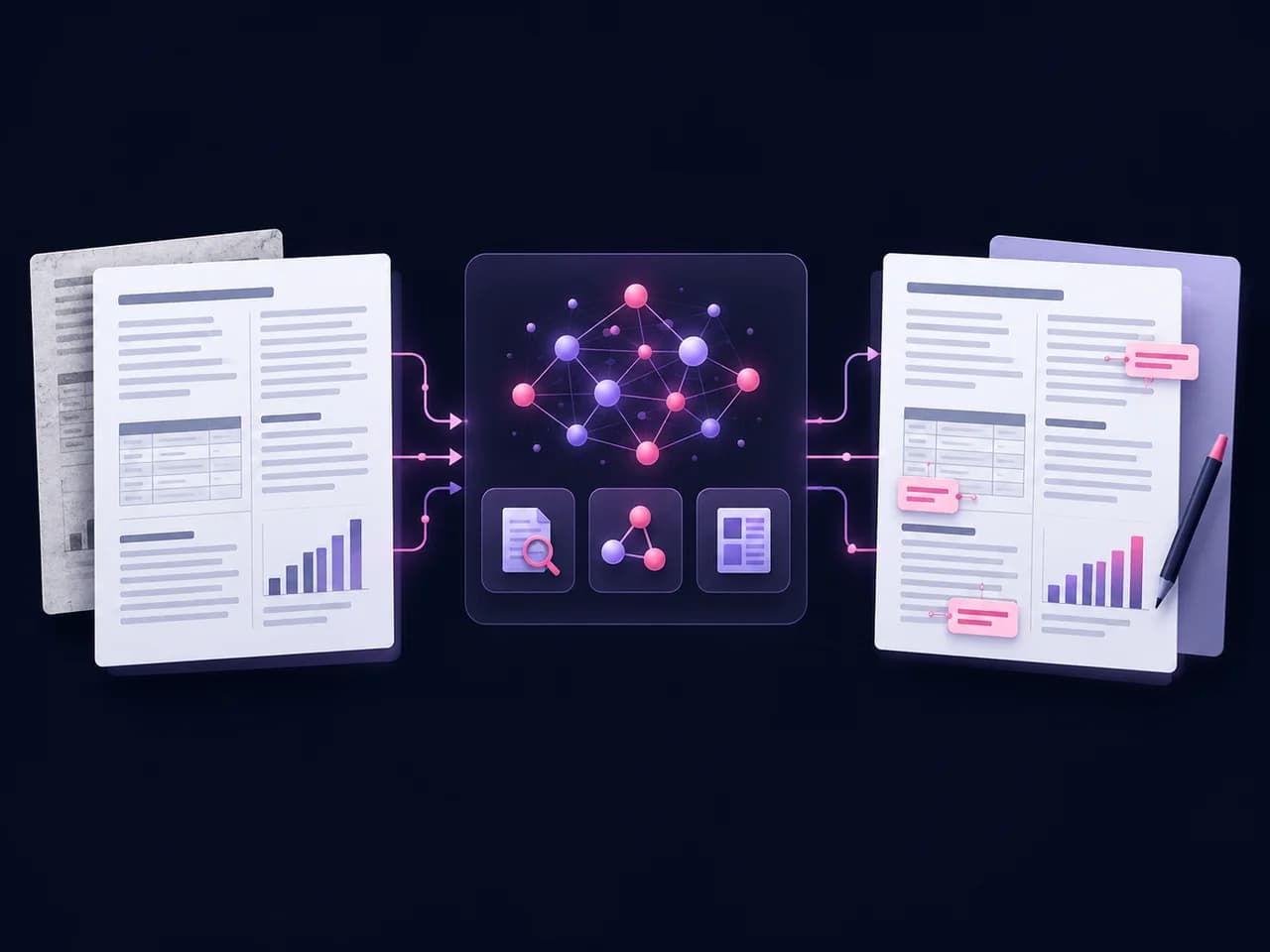
From upload to translation
- 1.Upload document
- 2.Review the preview and quote
- 3.Translate and download
Features
Practical tools for professional documents
Read scanned text, preview the translation, review file handling and choose a supported format before you translate.
Scanned text recognition
OCR extracts text from scanned PDFs and images for translation. Recognition depends on scan quality and layout; check the preview for missing or misread text.
View the full format listPreview
Preview part of your document before translating the full file. The preview range depends on the document and your available account allowance. If a preview requires credits, the task page shows the cost before you continue.
Explore preset samplesFile handling and privacy
Your document is processed to provide the translation, including by the selected third-party AI provider. Review our privacy policy for details about processing and retention.
File handling policySupported files and size limits
Translate PDF, Word, PowerPoint, Excel, EPUB and other supported formats. Single-document translation supports files up to 1GB; batch uploads support up to 500MB per document.
View the full format listFrequently Asked Questions
If you have other questions, welcome to join the community for discussion Discord
What can I preview, and does it cost credits?
Preview part of your document before translating the full file. The preview range depends on the document and your available account allowance. If a preview requires credits, the task page shows the cost before you continue.
Read the preview guideHow is the translation price calculated?
Translation is billed in credits based on Tokens, a document analysis fee, and the selected mode. OCR and higher-tier models can change the cost. Check the task quote before confirming payment.
Pricing detailsHow long are my documents kept?
Unpaid documents are automatically deleted 15 days after task creation, and paid documents after 30 days.
Download and back up your original and translated files before the retention period ends. You can also delete a task from your translation history.
File handling policyWhich files can I translate?
Translate PDF, Word, PowerPoint, Excel, EPUB and other supported formats, with files up to 1GB. Check the full format list for the document you want to translate.
View the full format listWhich languages are available?
Translate between 100+ languages. See the available languages and choose your target language on the document translation page.
View supported languagesCan I translate scanned documents and images?
Yes. OCR reads text from scanned PDFs and images for translation. Recognition depends on scan quality and layout; use enhanced recognition for difficult pages and check the preview for missing or misread text.
How do I choose a translation mode?
Choose a standard or higher-tier model to suit your document. Check terminology, tone, and layout in a partial preview, then choose a mode for the full translation based on your needs and the quote. Any preview credits are shown on the task page.
How is my document processed?
Your document is processed to provide the translation, including by the selected third-party AI provider. Review our privacy policy for details about processing and retention.
File handling policy